
What Happens to Your Digital Life When You’re Gone?
Your photos, messages, and online accounts need a handoff plan. Here’s what Apple, Google, and Facebook allow, and one useful step you can take today.
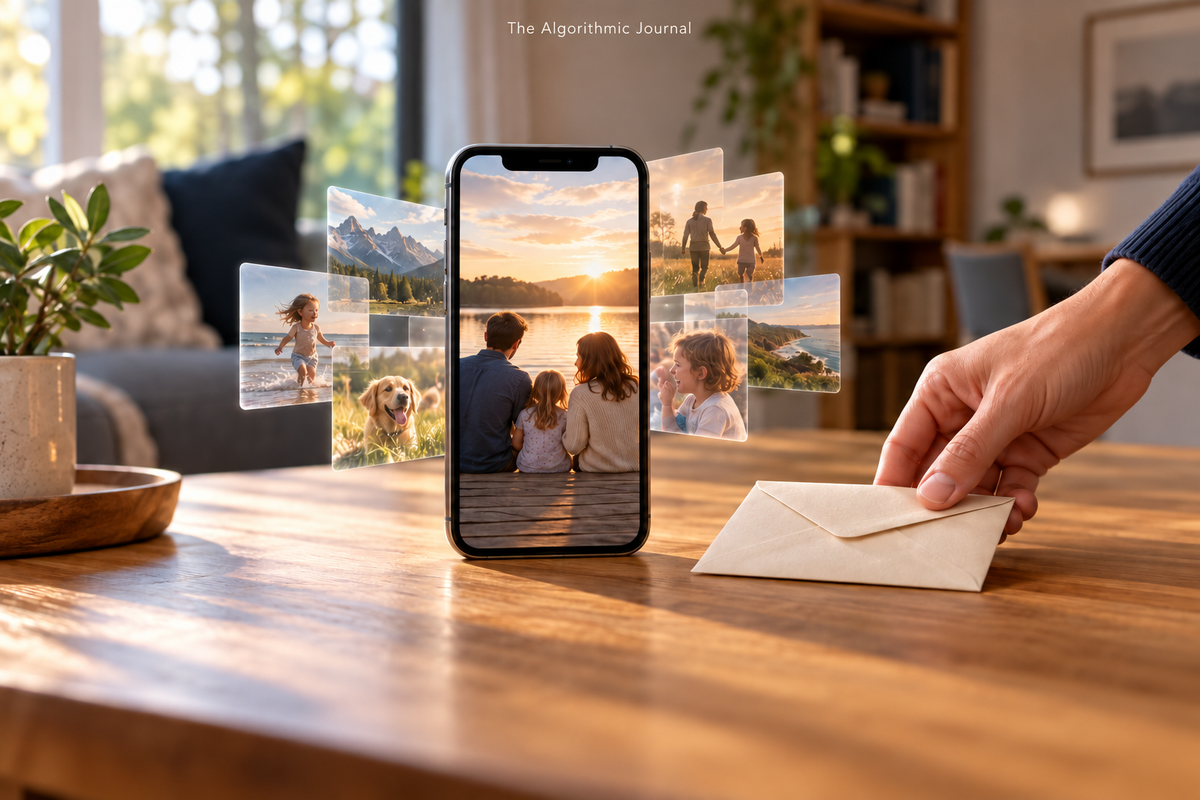
Your phone may hold a recording of your mother's laugh, the only good photograph from a family trip, and a note explaining how to reset the router.
Someone might treasure the first two. Someone will eventually need the third.
But knowing those things exist is different from being able to retrieve them. A phone in a drawer can leave behind a surprisingly complicated question: who can get to what, and what would you have wanted them to do with it?
You can make that question easier now, without turning the weekend into a project about dying.
Start with what matters
Before making an account list, make a shorter list of what you want preserved. Family photographs. A manuscript. Voice recordings. Recipes. The little videos nobody thought were important when they were taken.
Then decide what should stay private. Leaving someone your memories does not have to mean inviting them into every conversation you ever had.
A useful plan gives a trusted person three things: a map of what exists, your wishes for it, and an appropriate way to request access.
Three services, three different kinds of handoff
TAJ compared the published guidance from Apple, Google, and Meta. The important finding is that their tools solve different problems. This is a comparison of documentation, not a test of anyone's account or a completed inheritance request.
Apple's Legacy Contact lets you designate someone to request certain account data after your death. Photos, messages, notes, and files may be available. Passwords and passkeys in iCloud Keychain, purchased movies and music, and subscriptions are excluded. The contact generally needs both the generated access key and your death certificate; documentation varies by country.
On an iPhone, Apple's current route is Settings, your name, Sign-In & Security, then Legacy Contact. Crucially, make sure the person actually receives the access key. Read the source guidance.
Google's Inactive Account Manager works on inactivity rather than a death notification. You choose a waiting period, people to notify, and eligible data to share. You can select up to ten people and give different people different data. Google says contacts are not notified during setup, so have the conversation yourself. Read the source guidance.
Facebook's tool concerns a memorialized profile. Meta describes limited management by a legacy contact, such as updating a profile picture or adding a pinned post. It does not let the person log in as you or read private messages. Meta also describes an option to request deletion after death. Check the current memorialization choices in your own settings; its detailed Help Center pages were unavailable during this review. Read the source guidance.
An account plan is not a phone unlock
Apple says it cannot remove a device passcode without erasing the device. Its account-access process and possession of a locked iPhone are separate issues. Read the source guidance.
That makes a second, accessible copy of irreplaceable memories worth considering. Choose the files you want to share, save them somewhere appropriate, and check that the intended person can open them. Do that while you can explain which oddly named folder contains the wedding photographs.
If someone has already died, avoid rushing to close an account before investigating preservation. Google specifically warns that closing an account prevents a later request for its contents. It also says it will not supply passwords or login details. Read the source guidance.
Leave a map someone can follow
Start with one page. List your main email account, photo storage, important files, recurring services, and any website or business account someone will need to address. Record what you want saved, memorialized, or closed, and where your securely stored instructions can be found.
Keep account credentials out of an ordinary shared checklist. Use the service's supported legacy arrangements where available, and keep sensitive access material protected. This map helps someone find the next step; it does not grant legal authority or override a provider's rules. Coordinate formal arrangements with your estate-planning professional.
If an unexpected message offers to recover an account, take the same pause described in TAJ's guide, Scammers Want You to Hurry. Make Them Wait. Open the provider's official support route yourself. Read the TAJ guide.
For today, choose one person, identify one collection you would hate to lose, and review one account's legacy settings. Tell that person where the plan is. Revisit it when your accounts or relationships change.
You do not have to organize your entire digital life in one sitting.
Just leave someone a way to find the things that will remind them of you.